Hey everyone!
Back when I first announced Blitz Relay, I mentioned that I was working on an official web UI to make managing relay instances easier. It took quite a bit longer than I had hoped, but I am very happy to say that Blitz Relay Dashboard is finally here!
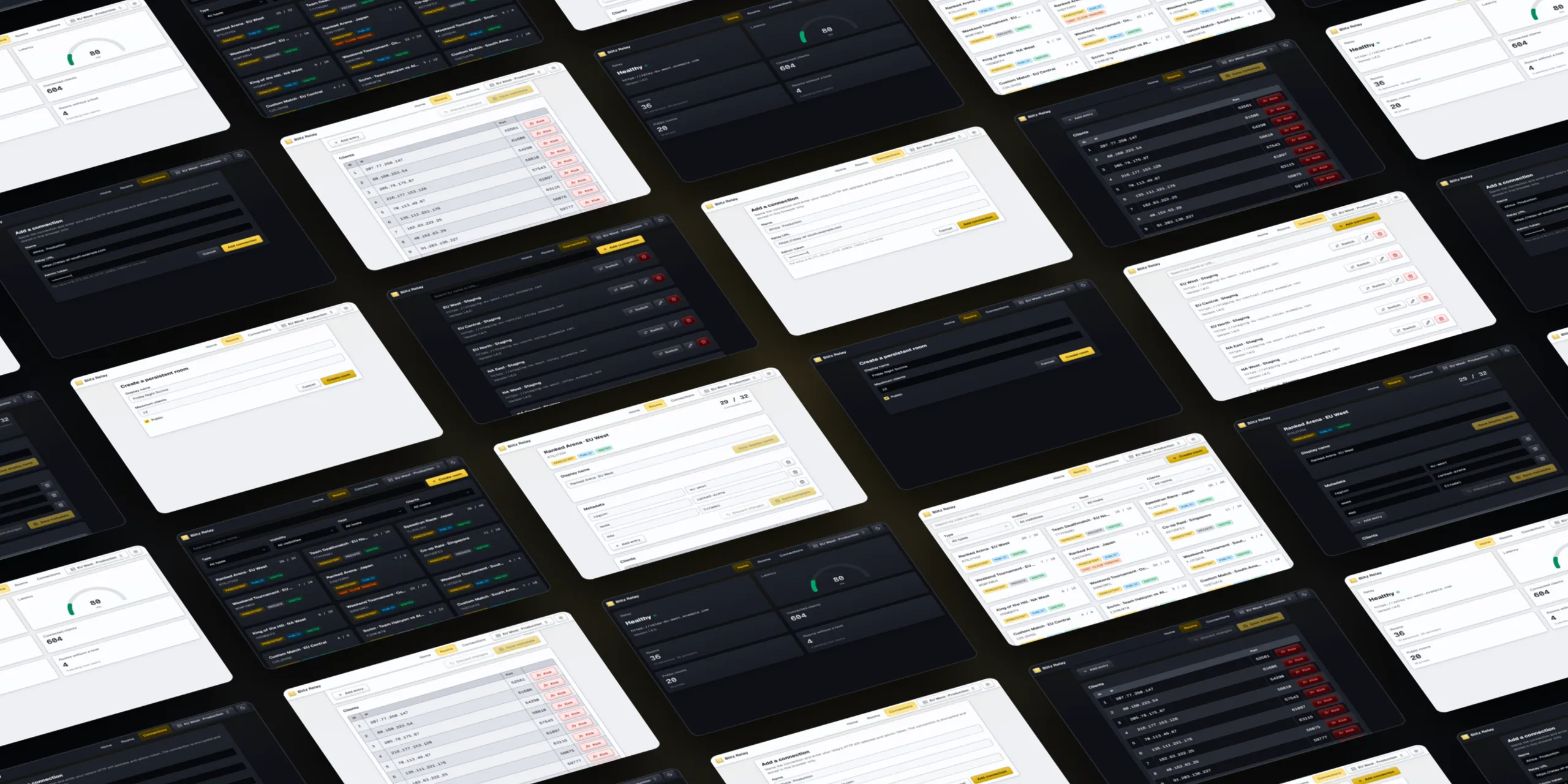
You can find it on GitHub at https://github.com/abdelfattahradwan/blitz-relay-dashboard.
Like Blitz Relay itself, the dashboard is free and open-source (MIT-licensed).
Until now, managing a relay meant sending requests to its HTTP API by hand with something like Yaak or Postman. That works, but it is not exactly fun when all you want is to check on a room or kick a player who is causing trouble. The dashboard puts all of that in one place.
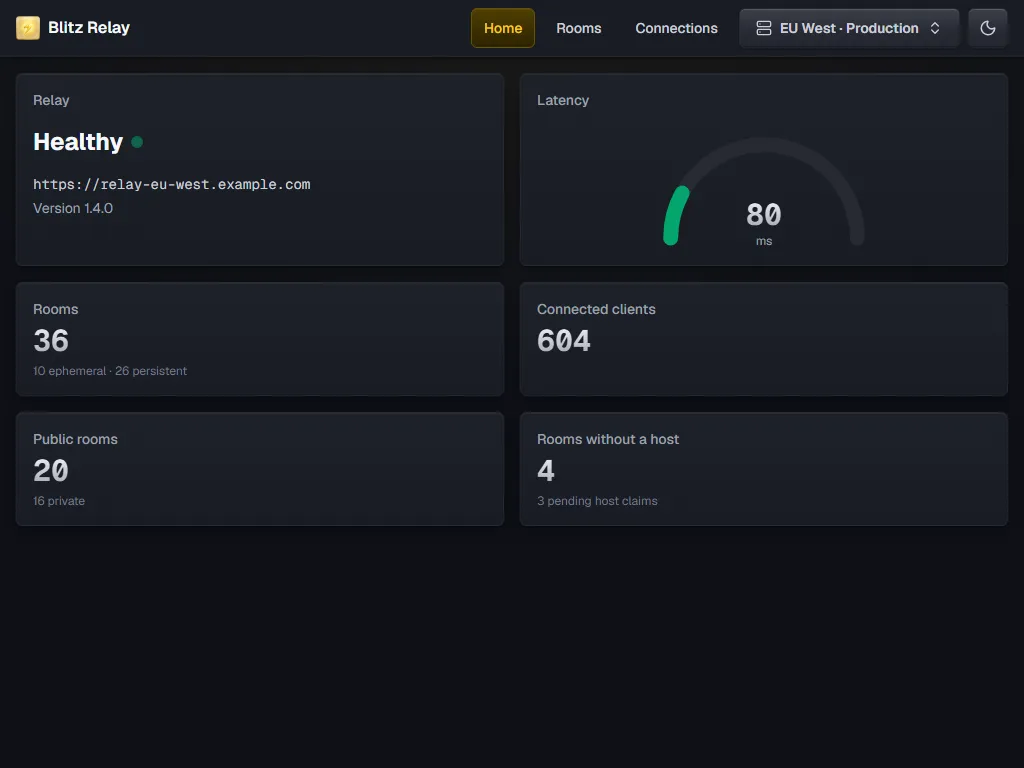
The first thing you see is the overview, which shows the relay’s health, version, latency, and room statistics, and keeps them up to date as things change.
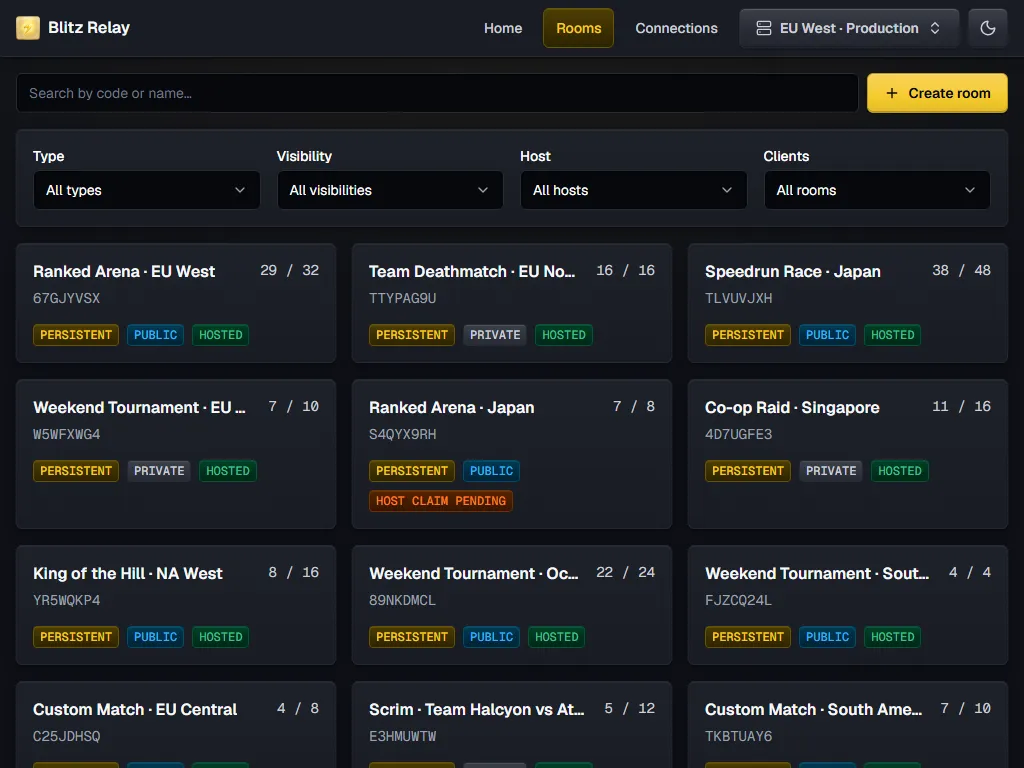
The rooms page lists every room on the relay, and you can search them and filter them by type, visibility, host, and clients.
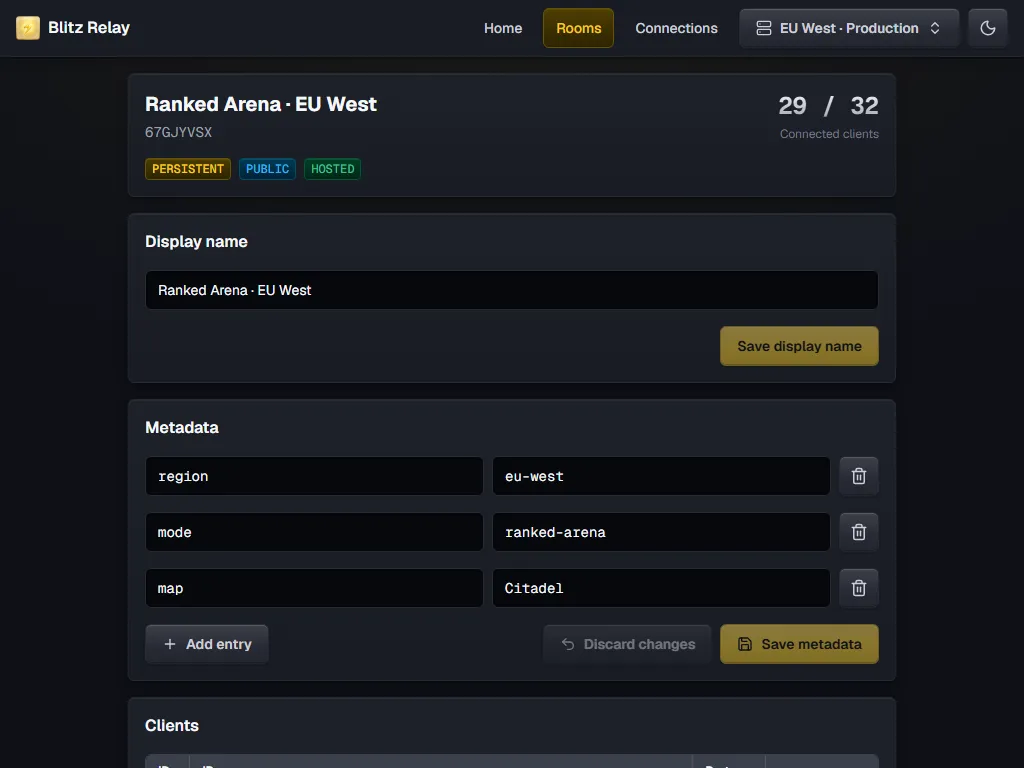
Each room has its own page, where you can rename it and edit its metadata. You can also remove the host of a persistent room or delete the room entirely.
Further down, the room’s page lists the clients connected to it, and you can kick any of them from there. If your relay is configured to reveal them, the dashboard also shows each client’s IP address and port.
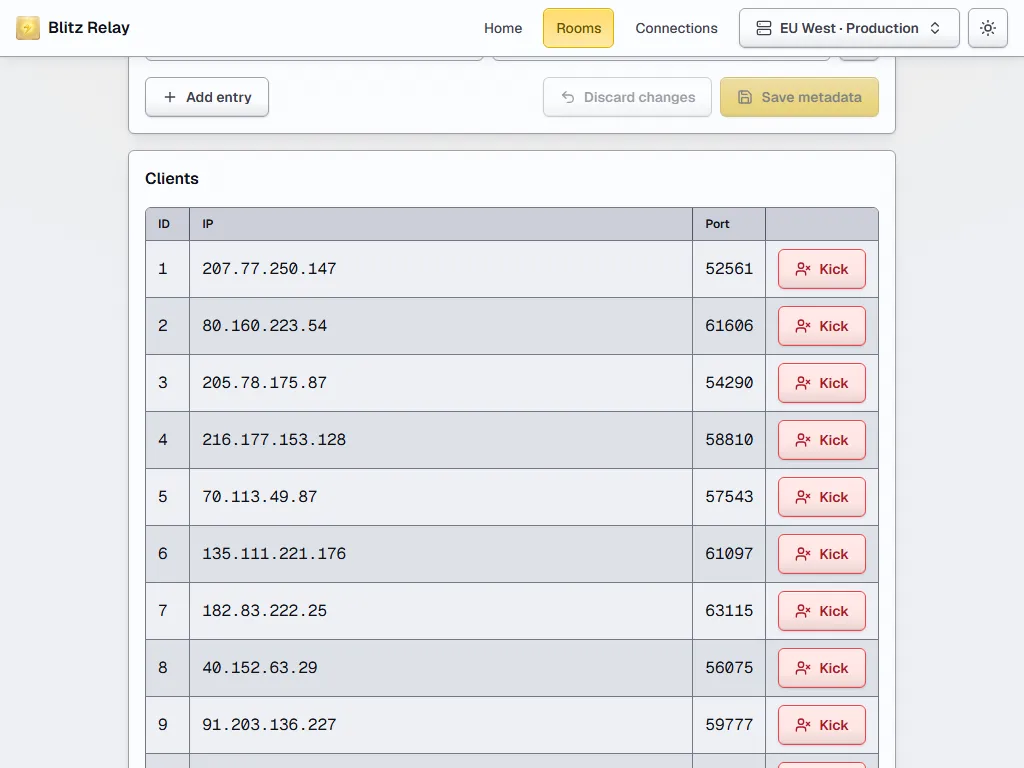
And yes, there is a light theme too, for those of you who prefer it.
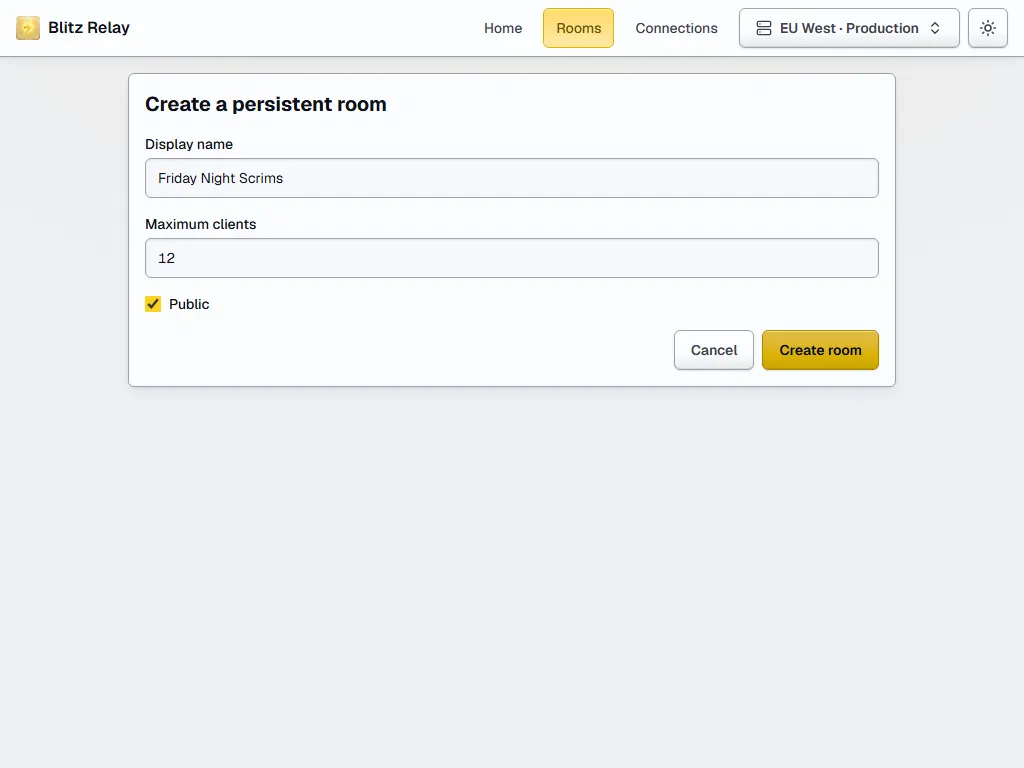
You can also create persistent rooms right from the dashboard.
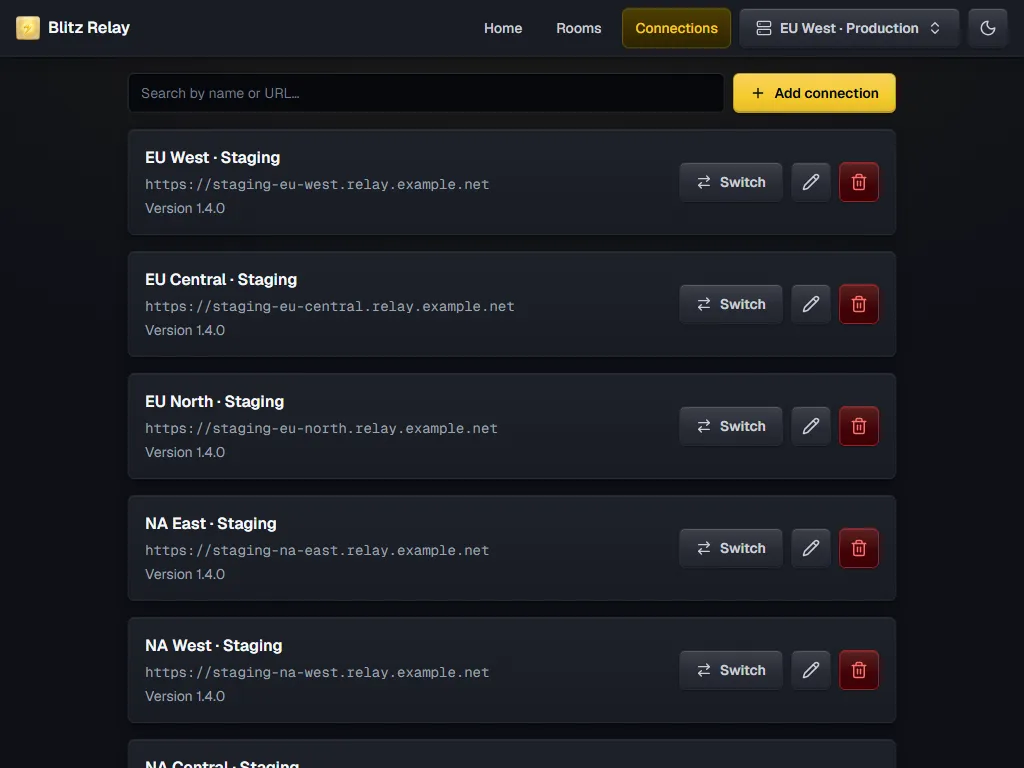
If you run more than one relay, say, a staging relay and a few production relays in different regions, you can save all of them and switch between them from the navigation bar. Your connections, including their admin tokens, are encrypted and stored only in your browser.
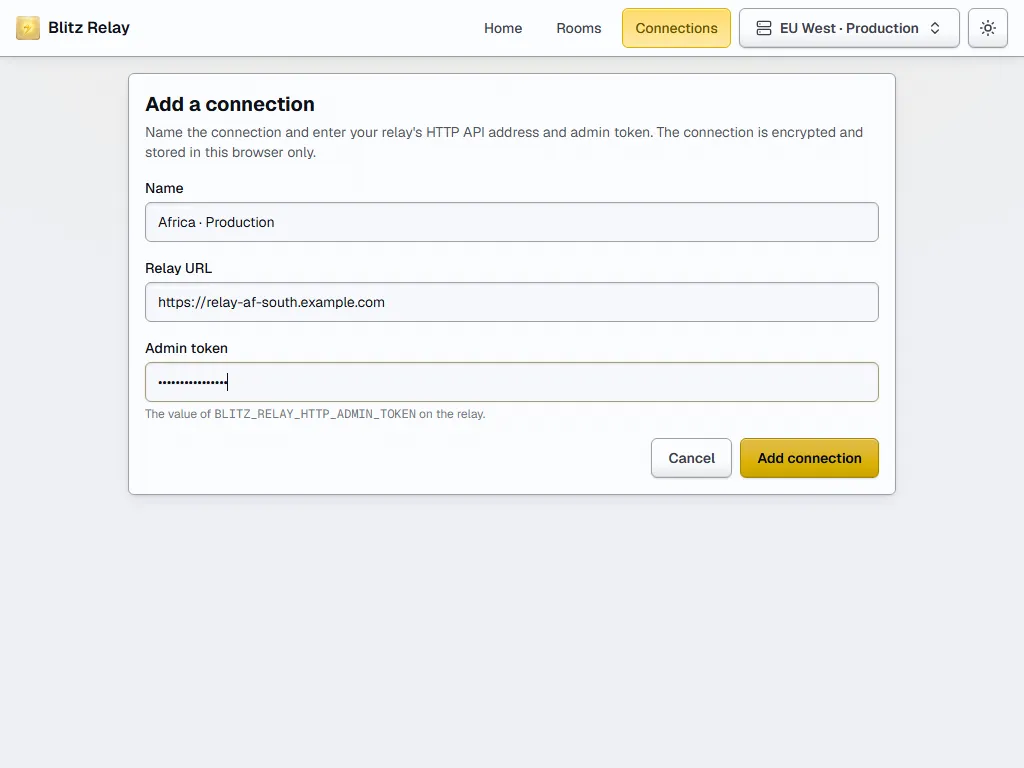
Adding a relay only takes a name, its URL, and its admin token.
The dashboard runs entirely in your browser, so there is no backend to deploy. The easiest way to get it running is the official Docker image, which weighs about 8 MB:
docker run -d -p 8080:8080 abdelfattahradwan/blitz-relay-dashboardThen open http://localhost:8080 in your browser, add your relay, and you are good to go!
If you would rather not use Docker, you can build the dashboard and serve the static files from any web server. The README has example configurations for nginx, Apache HTTP Server, and Caddy.
The dashboard works with any version of Blitz Relay, but I recommend using Blitz Relay 1.4.0 or later, which adds the API improvements that the dashboard uses to list a room’s clients and remove hosts.
I hope you find it useful, and that it makes running your relays a little more pleasant.
Thanks for reading, and have a good day!